# THUMFI
# Multi-language features
Used Vue i18n to translate the Homepage
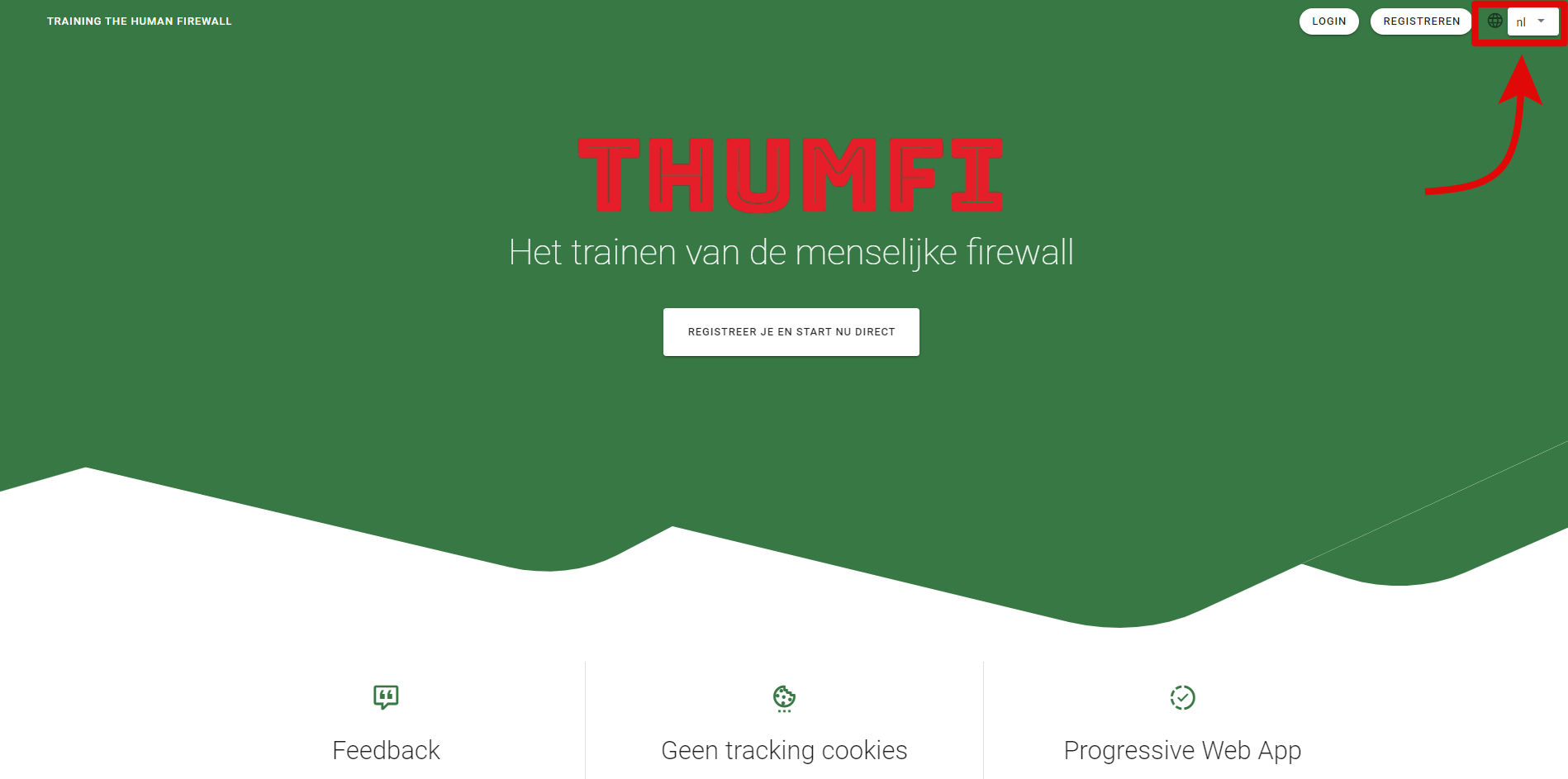
Select box to change the language (Dutch by default)
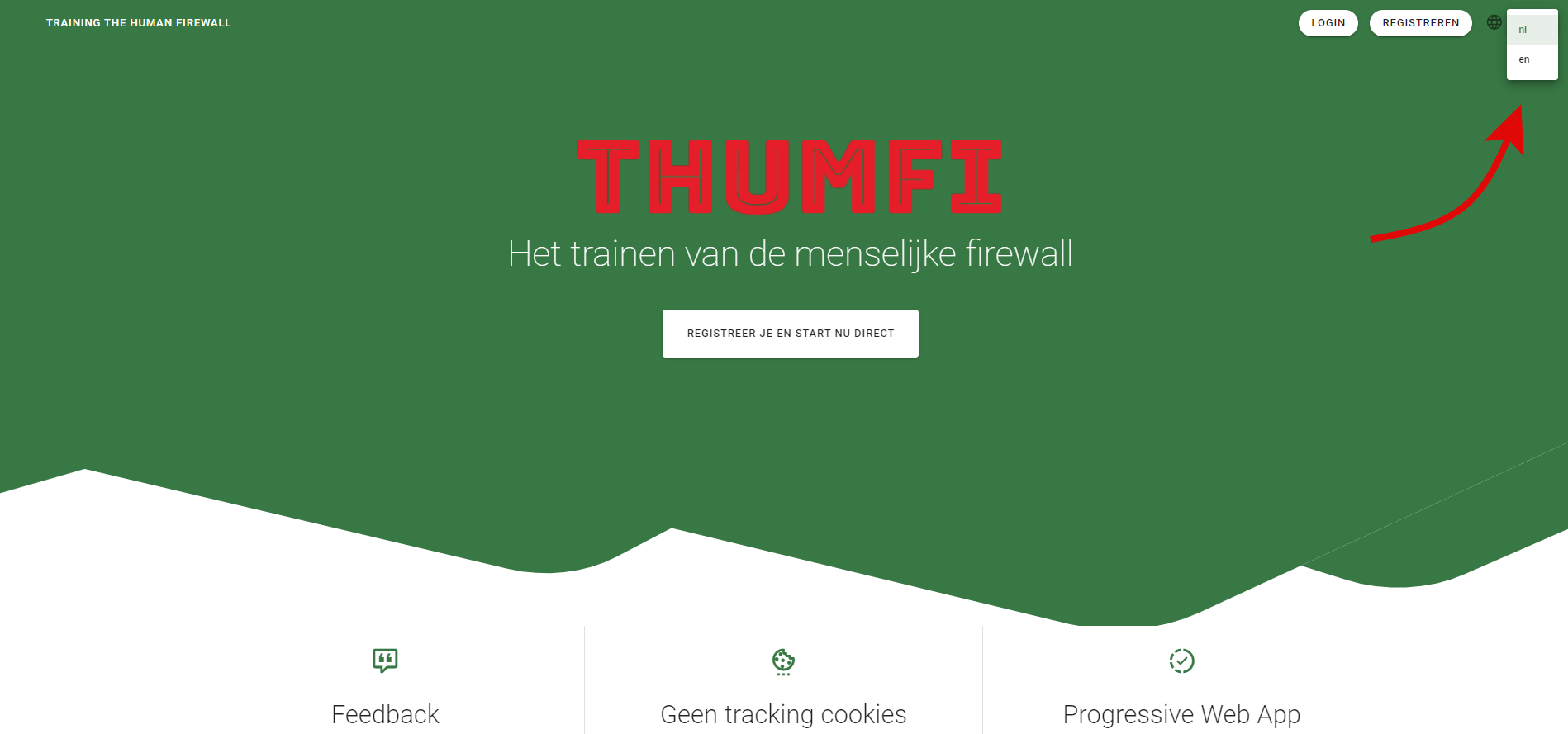
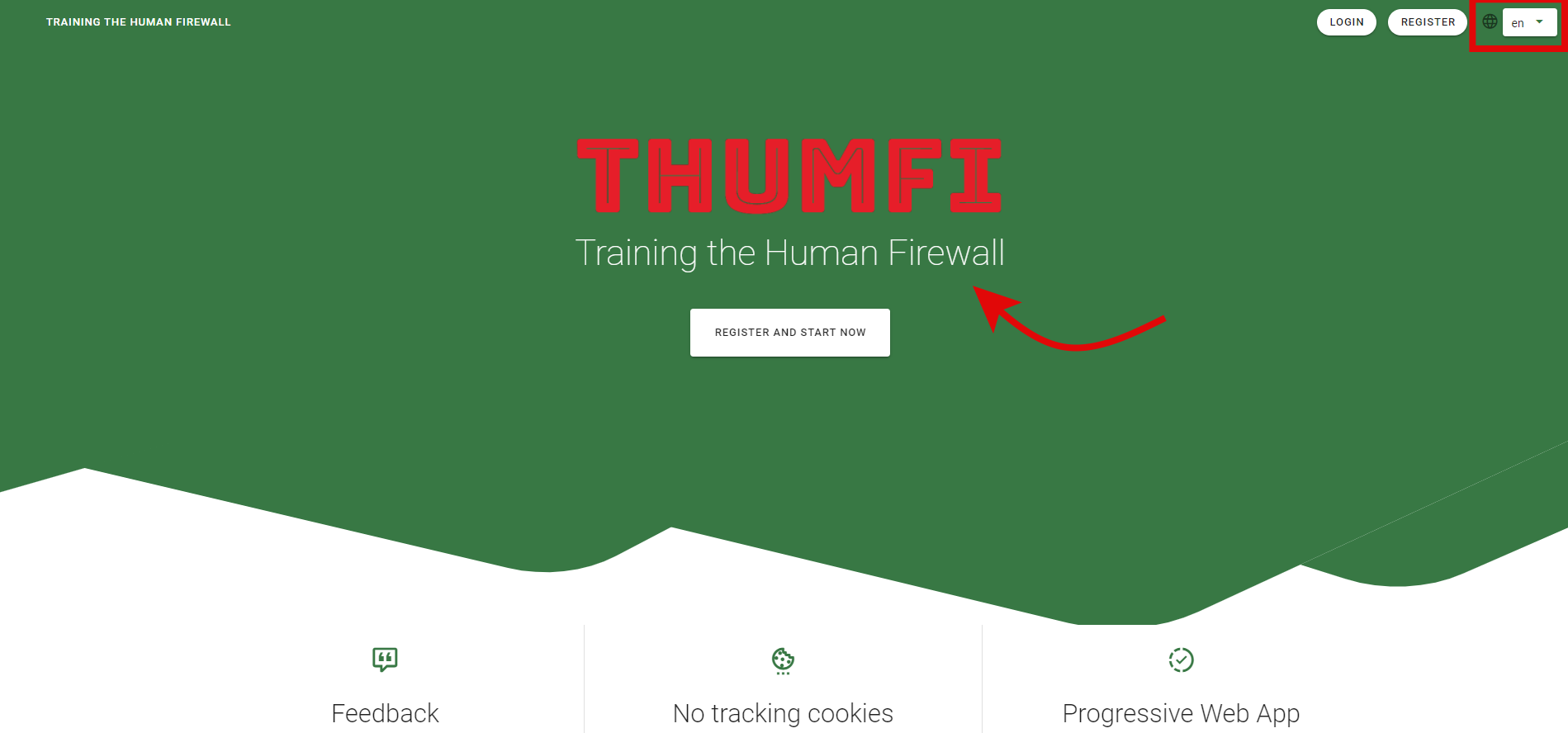
The language is changed automatically without reloading the page
# Suggestions
A list of possible future implementations to improve the performance of the application or make it easy to manage the general aspects of it.
# MapGetters instead of store getters
Currently the getters of the store are being referenced in the following way
export default {
    // ...
    computed: {
        myGetter () {
            return this.$store.getters.myGetter
        }
    }
}
2
3
4
5
6
7
8
Instead of using the above syntax, maybe its more clear and easy to use the mapGetters. An example of this can be the following
import { mapGetters } from 'vuex'

export default {
  // ...
  computed: {
    ...mapGetters([
      'myGetter',
      'anotherGetter',
      // ...
    ])
  }
}
2
3
4
5
6
7
8
9
10
11
12
The
mapGettershelper maps store getters to local computed properties
You can also map a getter with a different name using the mapGetters helper
// ...
...mapGetters({
  myGetterDifferentName: 'myGetter'
})
2
3
4
# Use Moment.js for date formatting
Moment.js (opens new window) is a JavaScript library that provides different functions for date formatting, and also has an external plugin called Moment Timezone, which includes the possibility to adjust all the Date/Time formats to different formats based, for example, in the selected language of the application.
Moment is not only a Date/Time formatter, also can show the Dates automatically in different timezones based on browser language.
Moment.js can be installed in Vue applications using npm
# Animate On Scroll
In order to make the landing page looks more modern, there is a Vue plugin called Animate On Scroll, which can easily make elements fade in/out when user is scrolling down the page.
# Homepage Modifications
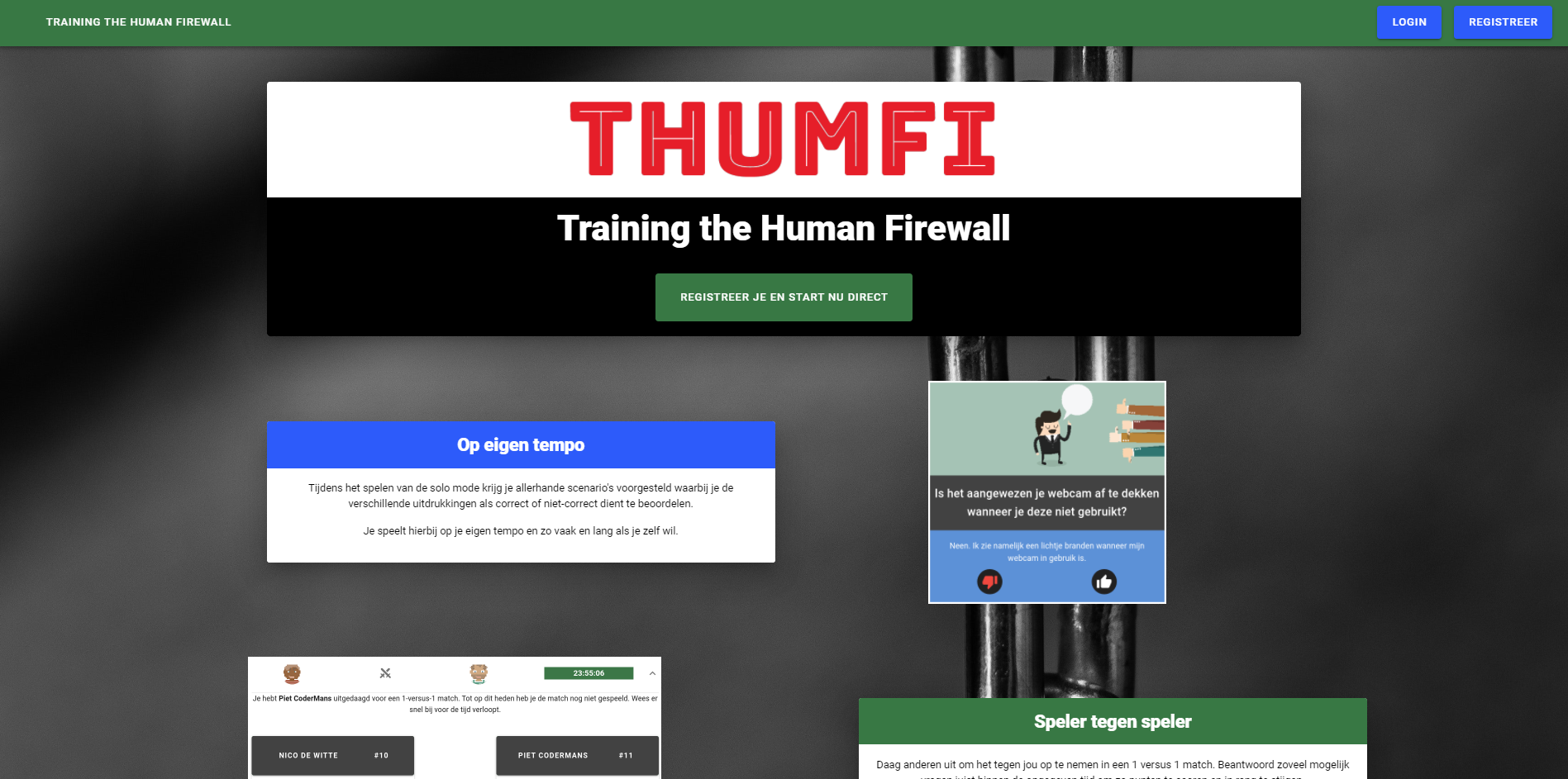
Initial landing page design
# Use of SVG images to add effects to the landing page
The use of SVG elements to customize web pages is common nowadays. SVG files does not loss quality when re-scaled, since they are drawed again by the browser's engine.
It has been necessary to spend a lot of hours of research and trials to create different SVG files to fit with the THUMFI landing page and make all this files responsive.
The first step was to visit different websites to get the 'pros and cons' of their designs, and then try to apply all the ideas in a mock-up.
Applying diverse techniques with SVG files, different landing pages were created, changing the colors and the forms of the elements of the composition.
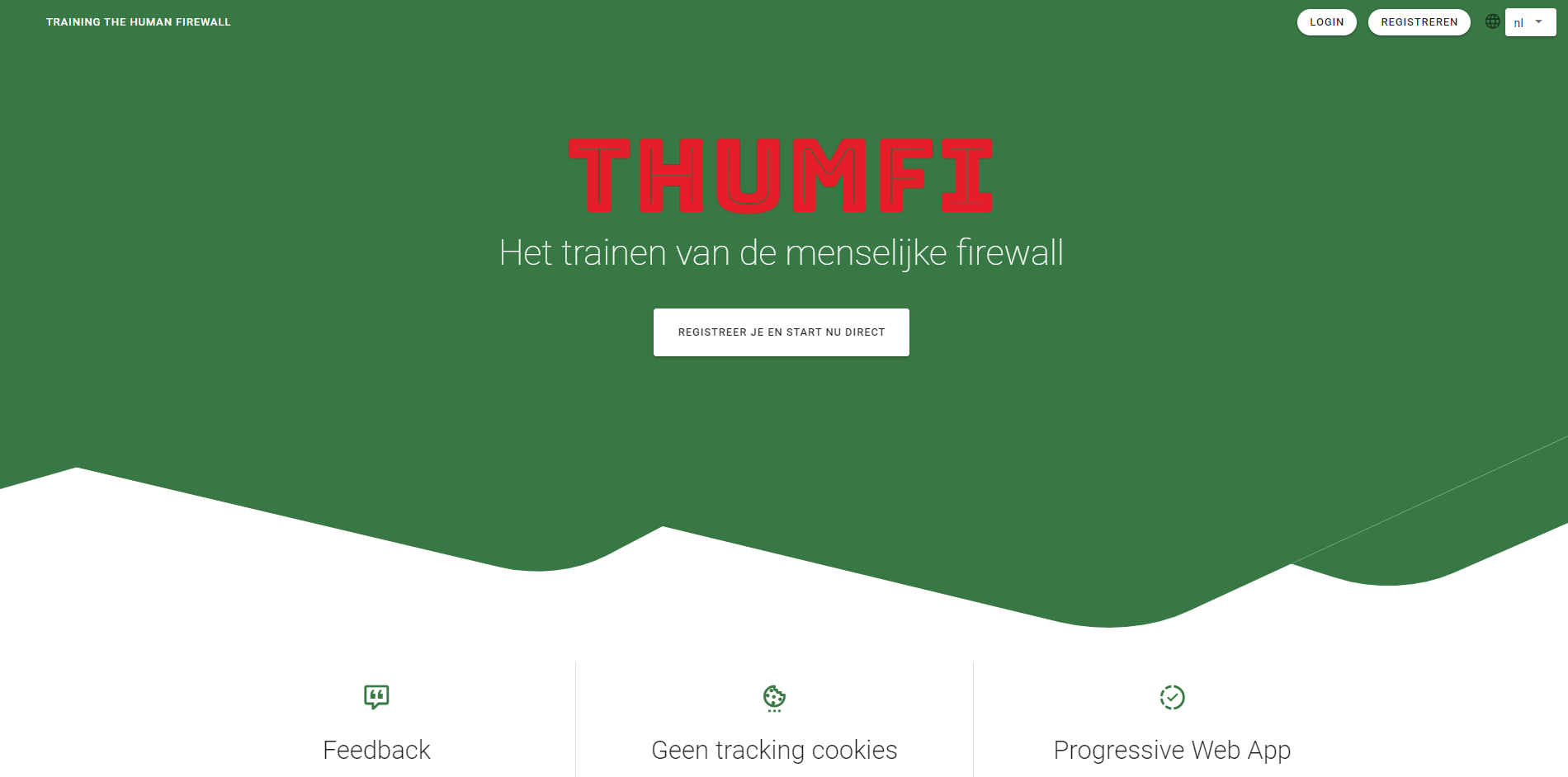
First design, using a SVG file with a creative commons license modified to fit with the application style
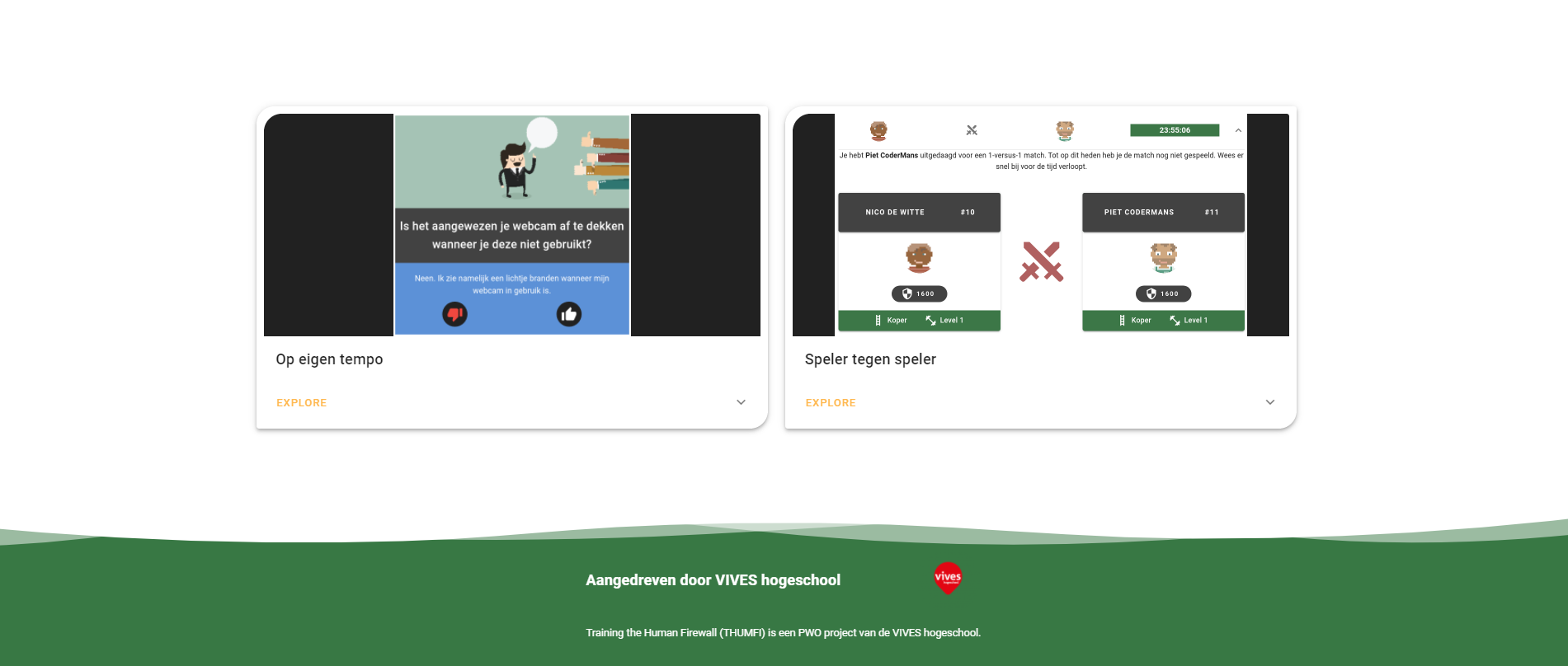
The first design received a footer to emphasize the colors and styles
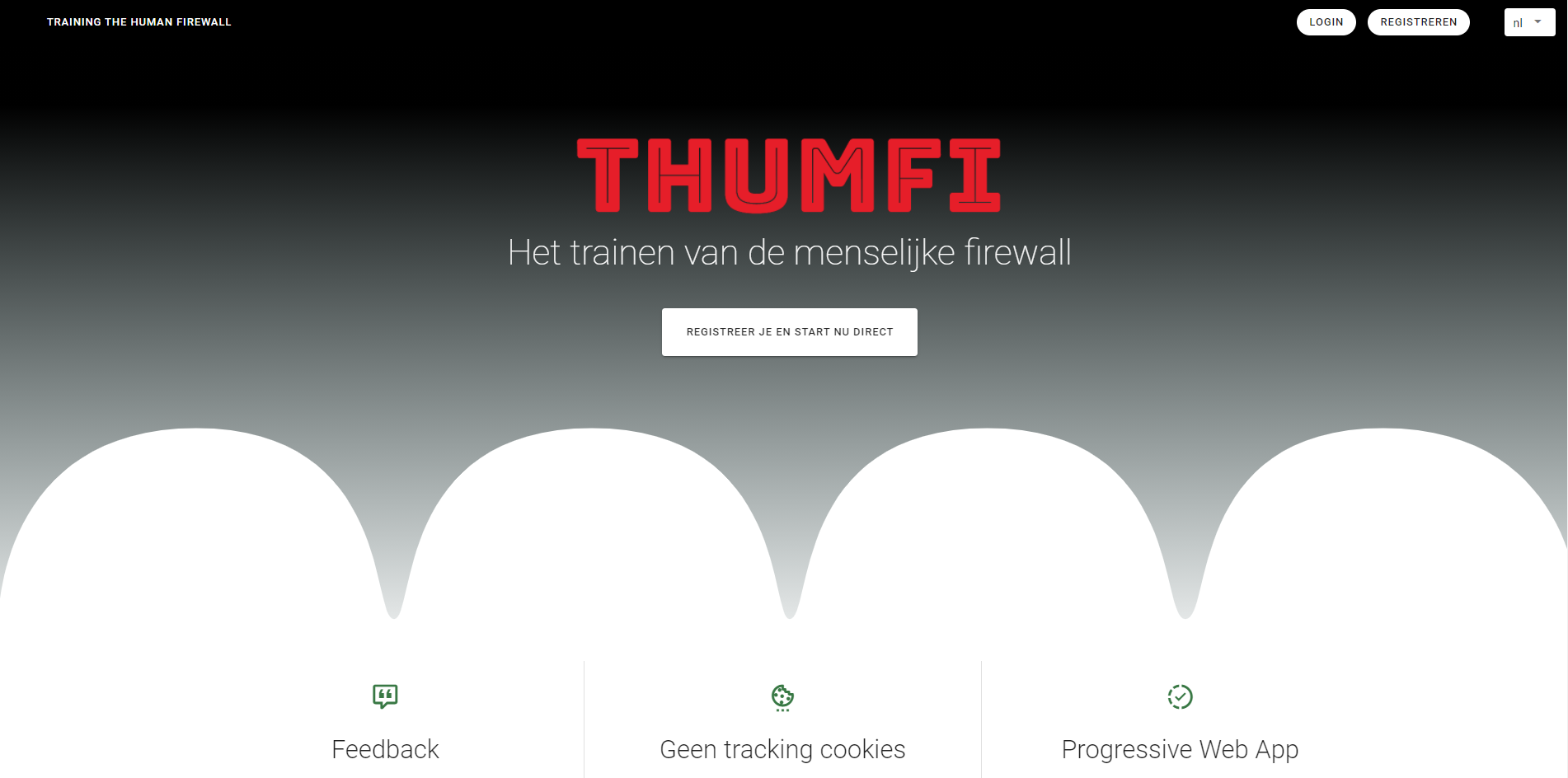
Second design, applying the ideas offered by the professors to create a black gradient design
# Creation of a 'sandbox' to make trials safely
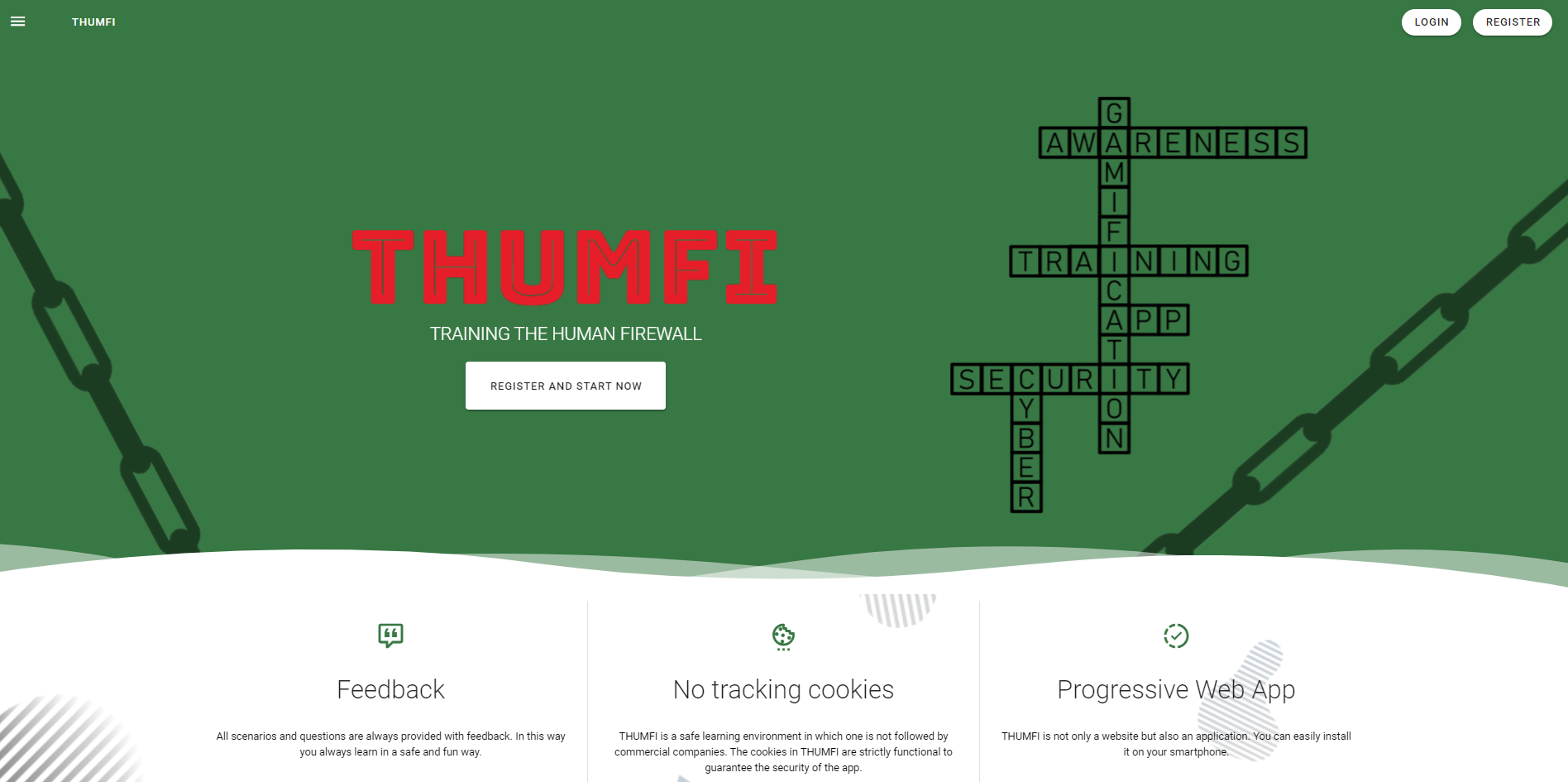
In order to clean up the landing page design without changing all the elements of the website, a copy of the home page made up of the same elements was created.
In this design, the same wave effect has been included to the background of the landing page, and also a parallax effect has been created for the landing page using a predefined pattern as background.
# News Widget
A lot of research has been necessary to know if is possible to add a news system with Vuetify for a landing page. The widget created consists of card components included in a window component, and they are paginated. News have to be created and added to the database or frontend manually.

Currently, the new text can not be styled. The next step is to find a way to create this entries from an administrator perspective using a HTML text-area in which the text is formatted to be shown with HTML style in the news widget.
# Post creation
In order to make the application complete, a New Post form has been created. This form contains three fields: text, content and asset, and has an internal complete validation system using Vee-Validate, a third-party library to facilitate the form validation for different types of fields.
One of the key features of Vee-Validate is that it is compatible with the different i18n plugins like the one used previously for the translation system, so it does not only allow to create complex validation structures, but also the error handling and info messages thrown by the module can be easily managed with the translation plugin.
# Backend for the new Thumfi Sandbox
A Node application has been created as a backend.
# Database
XAMPP is a tool that can deploy an Apache server and a MySQL database and provides also an administration panel to manage all active databases. This SQL database is fully compatible with MariaDB, which is the module that is being used in the backend.
# Database connection
Using Sequelize ORM and the Sequelize-CLI module, it is easy to create all necessary files to connect the backend application with the database. The Sequelize structure is based on three main pillars:
- Migrations
- Seeders
- Models
All the initial configuration is provided when using the npx sequelize init command, but there is also a way to do it manually using the Sequelize ORM documentation for the current version.
More information about Sequelize can be found in its corresponding section
# Future work
- Add CSRF protection to the routes which serve the content